Workbranch › Blog › Compare
CompareChatGPT Projects vs Claude Projects vs Gemini notebooks: what each does, and what none of them do
You've pasted the same brief into a new AI chat for the tenth time, so you're looking at projects. ChatGPT, Claude and Gemini all offer one, and they differ more than the names suggest. Here's an honest comparison as of October 2026, plus the gap all three still leave open.
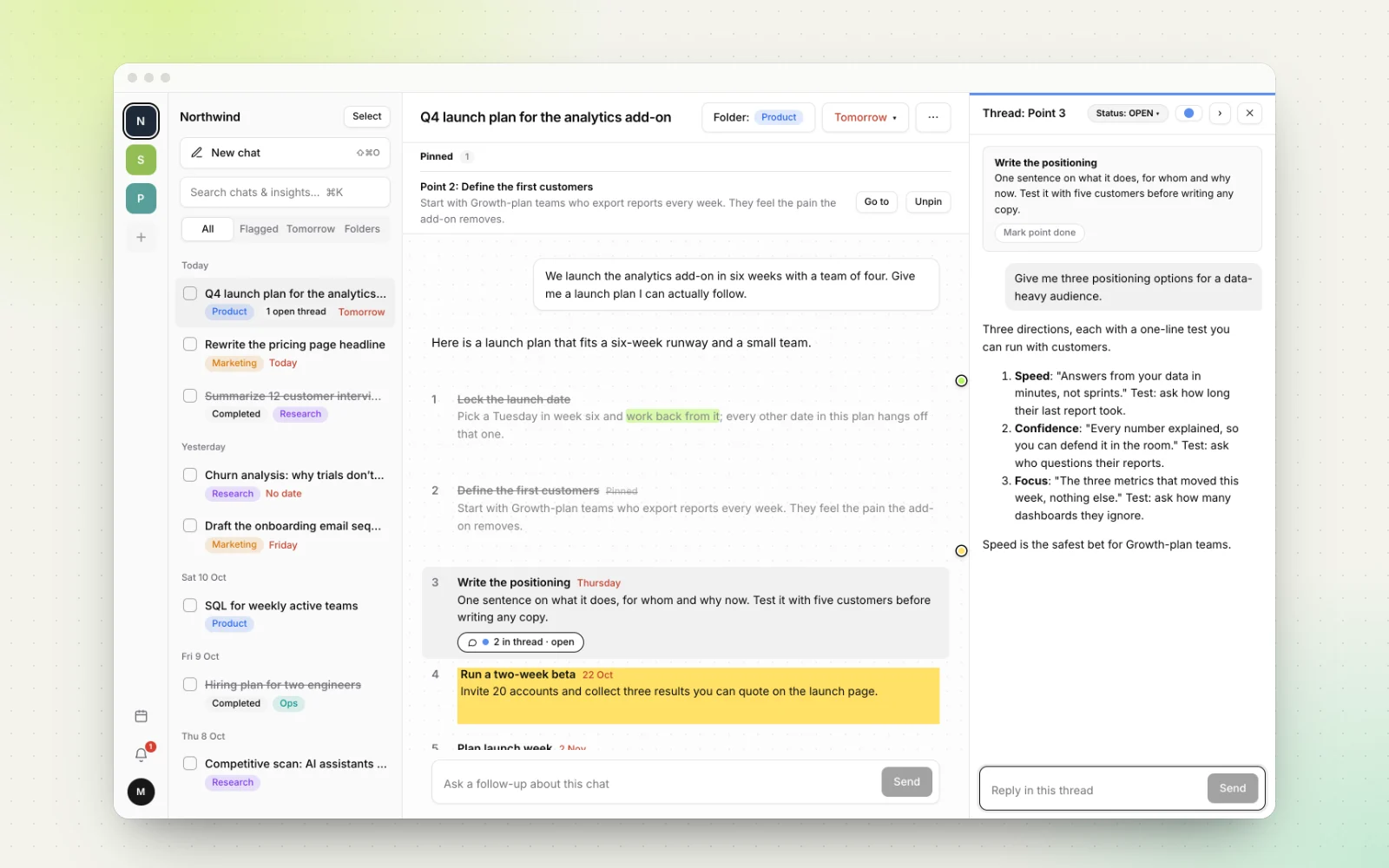
Projects fix the most annoying part of using AI for real work: starting every chat from zero. ChatGPT and Claude call them Projects; Google's Gemini app calls them notebooks.
Below: what each one does as of October 2026, based on OpenAI's, Anthropic's and Google's own help pages (linked throughout), who each suits, how to set one up well, and the problem none of them solve once chats turn into work you have to finish.
Short answer: ChatGPT Projects, Claude Projects and Gemini notebooks all keep chats, files and instructions together. As of October 2026, ChatGPT lets you share projects on every plan, Claude scales large reference sets with retrieval and keeps a separate memory per project, and Gemini notebooks allow the most sources. None of them track what you've finished.
What are projects in ChatGPT, Claude and Gemini?
All three are workspaces for one ongoing effort, like a client, a course or a product launch. You add reference material and standing instructions once, and the AI uses them in every chat inside that space.
- ChatGPT Projects group related chats, files and instructions so ChatGPT can use the same context for ongoing writing, research or planning, according to OpenAI's help center.
- Claude Projects are self-contained workspaces with their own chat histories and a knowledge base of uploaded documents, as Anthropic describes them.
- Notebooks in Gemini launched in April 2026. They group chats, sources and custom instructions, and they sync with Gemini Notebook, which Google renamed from NotebookLM in July 2026.
What about Gems? A Gem is a custom Gemini assistant with its own instructions and optional knowledge files. It's closer to a custom GPT than to a project. Google says that starting in November 2026, Gems go away on personal Google accounts and turn into skills, reusable instructions you can call in any chat. Work accounts follow in March 2027 and education accounts in June 2027. For ongoing work in Gemini today, notebooks are the right comparison.
ChatGPT Projects vs Claude Projects vs Gemini notebooks, side by side
Here is how they compare as of October 2026. Limits change often, so check the linked pages.
| As of October 2026 | ChatGPT Projects | Claude Projects | Gemini notebooks |
|---|---|---|---|
| Free plan | Yes, unlimited projects | Yes, up to 5 projects | Gemini Notebook is free (100 notebooks); the Gemini app version is still rolling out |
| Reference material | 5 files per project on Free, 25 on Go and Plus, 40 on Pro, Business, Enterprise and Edu; Google Drive and Slack links | Documents, text and code; paid plans switch to retrieval (RAG) for up to 10x capacity | Files, Google Drive, websites and pasted text; 50 to 600 sources per notebook by plan |
| Instructions | Yes, and they override your global custom instructions | Yes | Yes, per notebook |
| Memory across chats | Can draw on other chats in the project (with memory on); optional project-only memory | Separate memory and summary for each project (with memory on) | Continuous chat that remembers sources, instructions and discussion |
| Move existing chats in | Yes (except chats started with a GPT) | Yes | Yes, with Keep Activity on |
| Sharing | All plans, chat or edit access, 5 to 100 collaborators by plan | Team and Enterprise plans only, view or edit access | Through Gemini Notebook as viewer or editor, up to 50 people on personal accounts |
| Reminders | Scheduled tasks, 3 to 15 active by plan | Scheduled tasks on paid plans | Schedules, up to 10 active |
| Tick off steps or date them | No | No | No |
Where each one is stronger
ChatGPT Projects: shareable on every plan, with ChatGPT's full toolset. As of October 2026, ChatGPT lets you share a project on every plan, including Free, with chat or edit access, and members of a shared project can branch a chat to explore a new direction. You can paste Google Drive or Slack channel links as sources, save a good answer back into the project as a source, and use the same tools as elsewhere in ChatGPT: Canvas, image generation, voice and web search, plus extras such as deep research on paid plans. Project-only memory stops a project's chats from mixing with the rest of your history. The catches: five files per project on the free plan is tight, and project memory doesn't show a list of what it remembers.
Claude Projects: built for big reference sets and clean separation. As of October 2026, all Claude users can create projects, with a limit of five on the free plan. On paid plans, when project knowledge nears the context limit, Claude switches to retrieval automatically and expands capacity by up to 10x. With memory on (the default on Free, Pro and Max), each project has its own memory and summary, and paid users can ask Claude to search past chats within a project. Anthropic's setup guide notes that context isn't shared across chats in a project unless it's in the project knowledge, so put key decisions there. Sharing needs a Team or Enterprise plan. Anthropic is also testing a new version of projects in beta, starting with Claude Code for select Pro and Max subscribers, in which Claude splits work into parallel threads and reports what's done and what's waiting on you.
Gemini notebooks: the most sources, plus Google's research tools. As of October 2026, notebooks in the Gemini app take files from your device or Google Drive, websites and pasted text, up to 600 sources per notebook on the top plan. Gemini Notebook's free tier allows 50. Each notebook has its own instructions, and the chat remembers your sources and ongoing discussion. Because notebooks sync with Gemini Notebook, you can turn the same sources into Video Overviews and infographics. Study notebooks add quizzes and lessons that track your progress through course material. The trade-offs: the Gemini app version is still rolling out gradually, adding existing chats requires Keep Activity, and sharing happens in Gemini Notebook, not in the Gemini app sidebar.
Which one should you use?
- Choose ChatGPT Projects if you want to share a project with a client or friend without a business plan, or you want Drive and Slack context and ChatGPT's full toolset in one place.
- Choose Claude Projects if your work runs on long documents, writing and analysis, and you want each project's memory kept apart. Teams on Team or Enterprise plans get view and edit permissions.
- Choose Gemini notebooks if you work from Google Drive, research across many sources, or study. Its published source limits are the highest of the three.
- Avoid building new long-term workflows on Gems on a personal account, since they become skills from November 2026.
In practice, most people do best with the projects in the assistant they already pay for. The differences are real, but they're smaller than the cost of moving your work.
How to set up a project that pays off, in any of the three
- Make one project per outcome. "Q4 analytics launch" works better than "Marketing", because every chat inside shares one goal.
- Write instructions like a brief. Say who you are, who the audience is and the format you want, for example "answer in numbered steps, one action per step".
- Add only reference you want in every chat. Final briefs, style guides, data. Leave drafts out, especially on ChatGPT's free plan.
- Move stray chats in. All three let you move an existing chat into a project, so related history stays together.
- Keep a decisions note. Save key answers as a project source in ChatGPT, add them to project knowledge in Claude, or paste them as a text source in a Gemini notebook.
What all three still don't do for ongoing work
Projects solve the context problem: the AI knows the brief. They don't solve the follow-through problem: knowing what's left. As of October 2026, none of the three help centers describe a way to:
- Tick off individual points of an answer. A seven-step plan stays seven paragraphs of text, and whether you did step 3 lives in your head.
- Put a due date on a chat or a step. Scheduled tasks in ChatGPT, Claude and Gemini run a prompt at a set time; they don't track your checklist. In ChatGPT, a task created in a project can't even access that project's files.
- Follow up on one point without moving the whole chat. Ask about step 3 and steps 4 to 7 scroll away. ChatGPT's option to branch a whole chat helps, but the follow-up still isn't attached to the point it's about. We covered this in why follow-up questions derail AI chats.
- See what's open across projects. The docs describe no flag or "done" status for a chat, so finding unfinished work means reopening chats one by one.
Claude's new beta reports progress on its own threads, which is a step in this direction, but it tracks Claude's work, not yours. If you want a manual method that works in any of these tools, see how to turn AI answers into tasks.
When Workbranch is the better fit, and when it isn't
Workbranch is an AI chat workspace organized like email, built around the part projects skip: follow-through. We explain the idea in organizing AI chats like email.
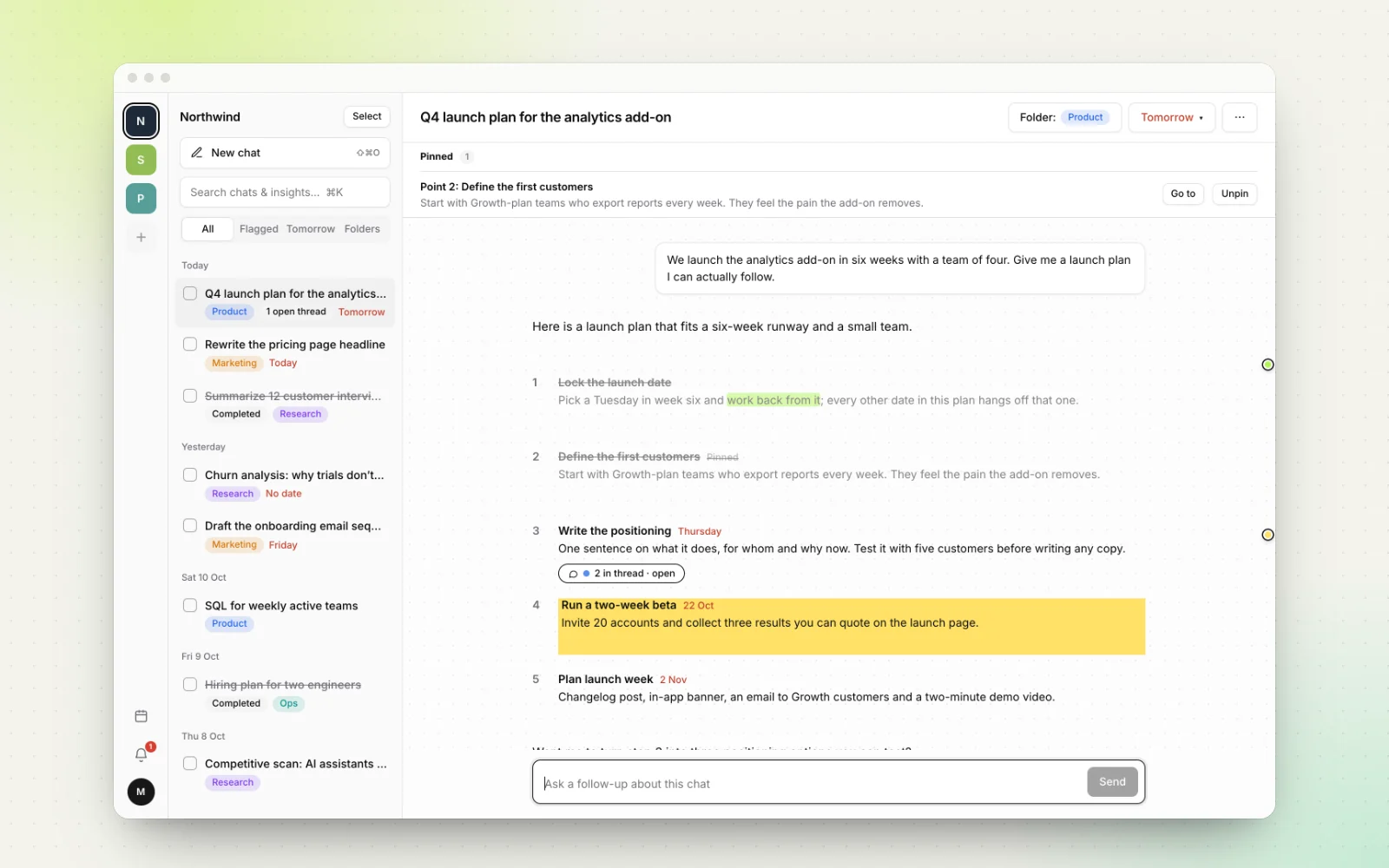
- Projects and color-coded folders, an inbox grouped by day, and All, Flagged and Done views.
- Every AI answer is split into points you tick off, with progress such as "2/5 points done".
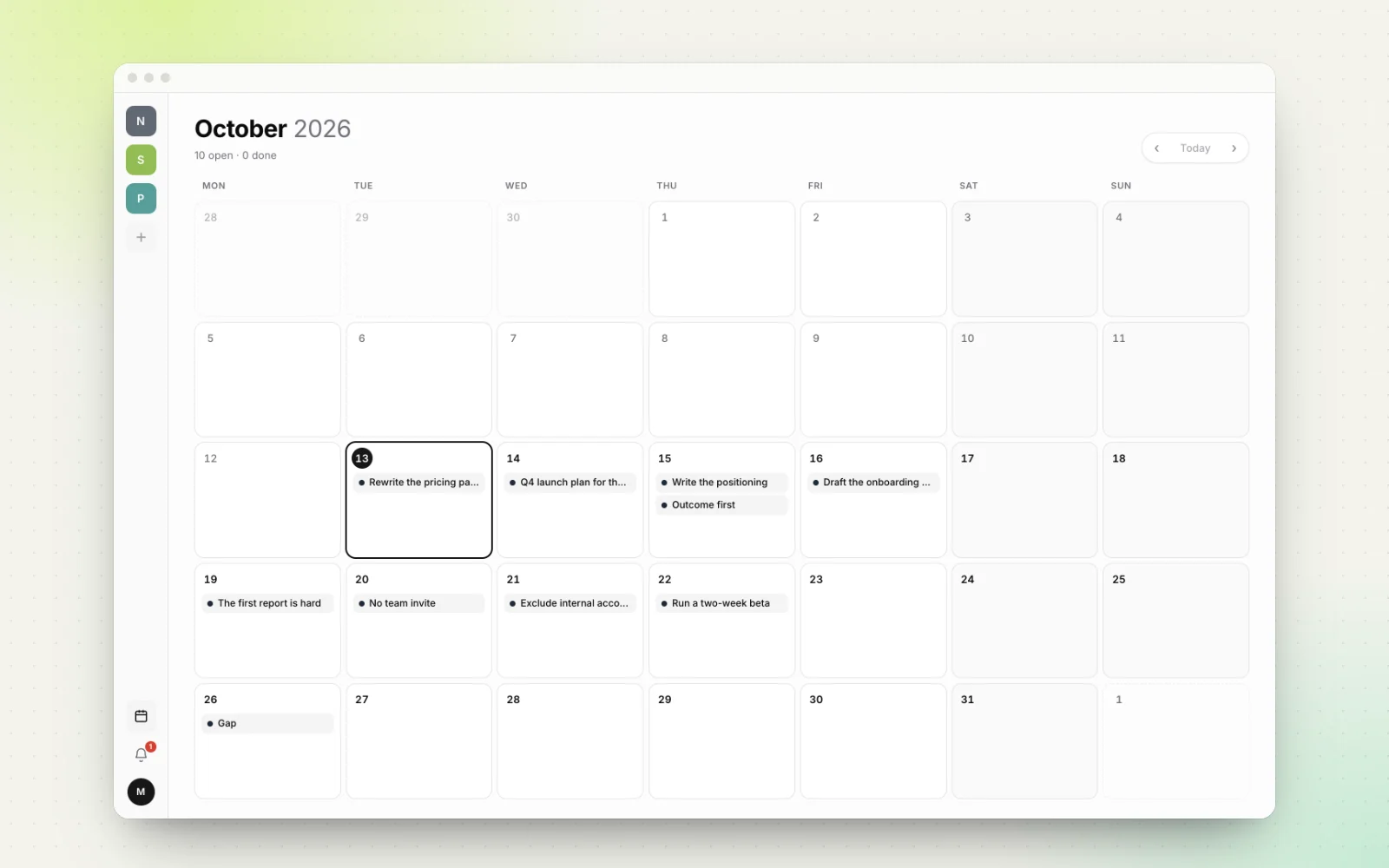
- Flags and due dates on chats and points, plus a calendar and a reminders page.
- Side threads on any point or paragraph, marked open, waiting or resolved, so the main answer stays intact.
- Highlights in five colors, pinned points, and ⌘K search across chats and points.
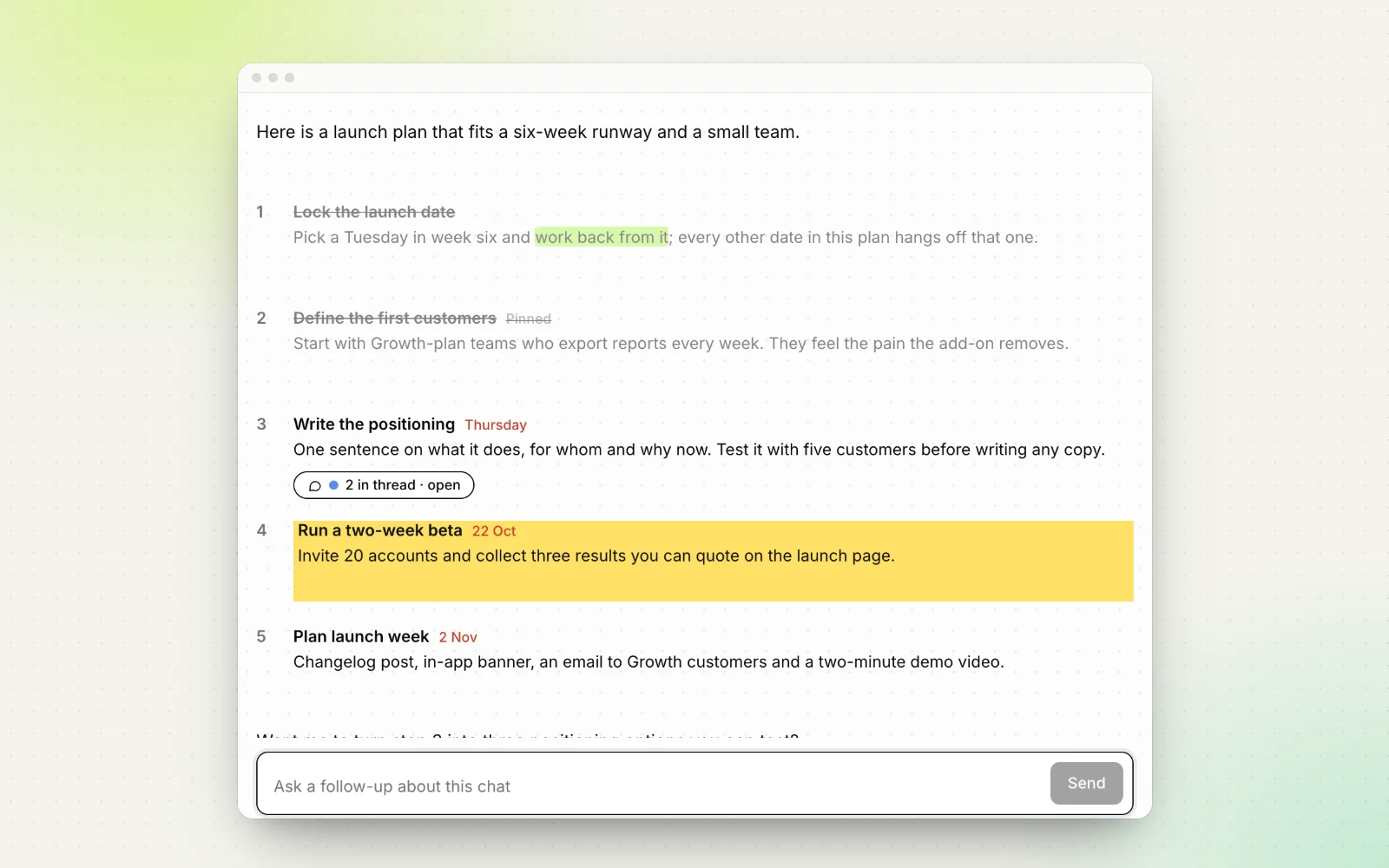
Workbranch is the better fit when your AI chats produce plans you're accountable for, like launch plans, code reviews or research to-dos; when you juggle several clients or projects and need one view of what's due; and when you often ask follow-ups about a single point.
It isn't the better fit when:
- You need a shared team space. Workbranch is built for individual work today. ChatGPT, Claude (on Team and Enterprise) and Gemini Notebook all offer sharing.
- Your project is mainly a reference library. Large file collections and standing instructions for drafting in a fixed voice are what built-in projects do best.
- You need a specific model. Workbranch runs on Google Gemini; a model picker for Google, OpenAI and Anthropic models is coming.
- Your AI use is quick questions. A free plan is enough. At $29.90 a month, Workbranch only makes sense if follow-through is your bottleneck.
You can also use both. Keep your reference material in a ChatGPT project, Claude project or Gemini notebook, and when a chat turns into a plan, share it and paste the link into Workbranch to import it. Our guide to sharing AI chats covers the steps, and the full feature list shows everything else.
Frequently asked questions
Is ChatGPT Projects or Claude Projects better?
Neither wins outright. As of October 2026, ChatGPT Projects suits people who want to share a project on any plan and use ChatGPT's tools in one place, while Claude Projects suits large reference sets and keeps a separate memory for each project. Most people do best with the projects in the assistant they already use.
Does Gemini have projects like ChatGPT and Claude?
Yes. Gemini's equivalent is notebooks, launched in April 2026, which keep chats, sources and instructions together and sync with Gemini Notebook (formerly NotebookLM). Gems are different: they are custom assistants, and on personal Google accounts they become skills starting in November 2026.
Are ChatGPT Projects free?
Yes. As of October 2026, projects are available on ChatGPT Free with up to 5 files per project. Go and Plus allow 25 files, and Pro, Business, Enterprise and Edu allow 40.
How many projects can you create in Claude for free?
Free Claude accounts can create up to five projects as of October 2026. On paid plans, Claude also switches to retrieval (RAG) when project knowledge nears the context limit, expanding capacity by up to 10x.
Can AI projects track tasks and deadlines?
Not directly. ChatGPT, Claude and Gemini can run scheduled tasks that send you a result at a set time, but their projects don't let you tick off individual steps of an answer or give each step a due date. A workspace like Workbranch adds that layer.
Keep reading
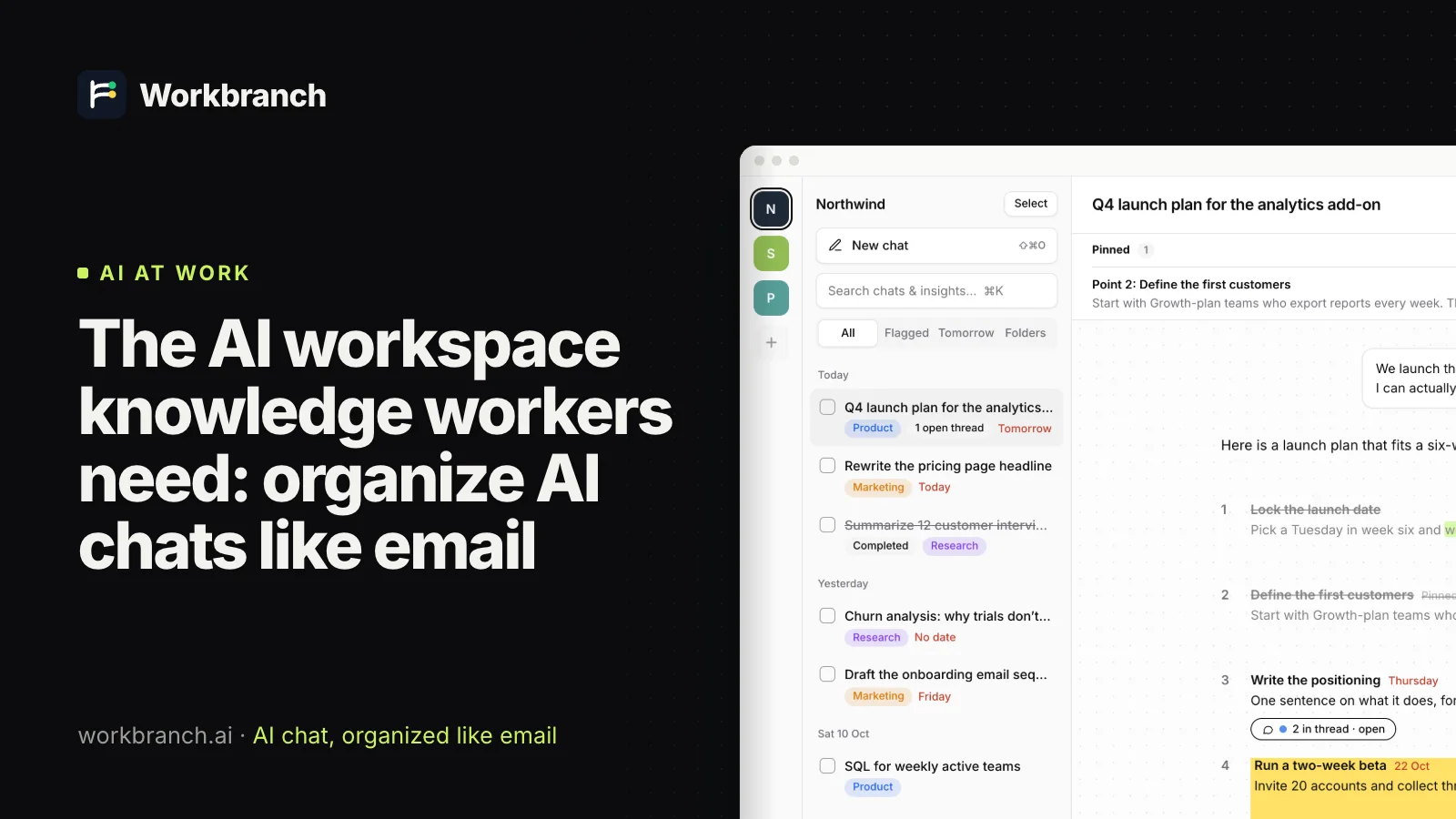
The AI workspace knowledge workers need: organize AI chats like email
An AI workspace for knowledge workers should organize AI chats like email: folders, flags, threads and done. See every email habit mapped to AI chat.
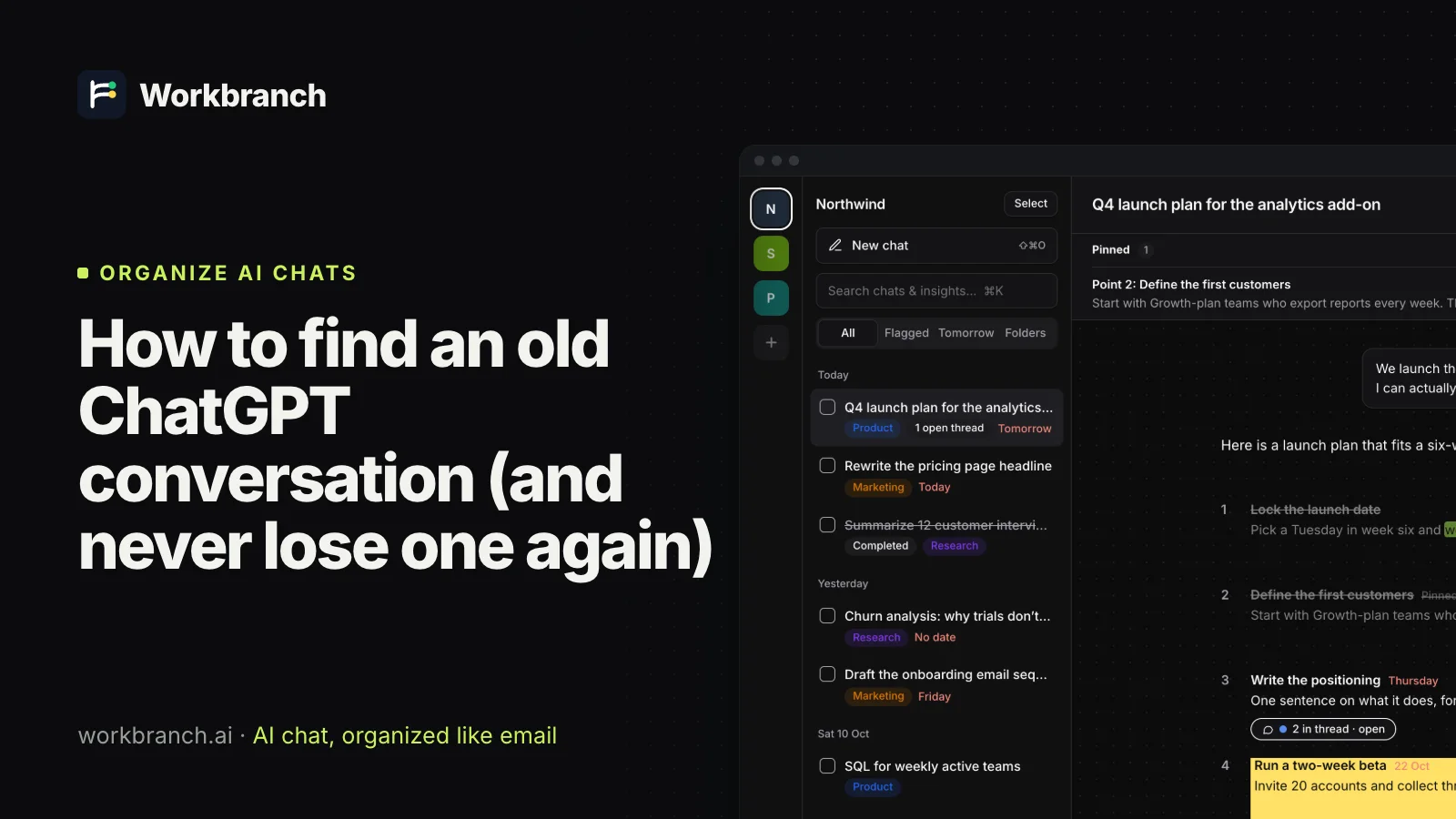
How to find an old ChatGPT conversation (and never lose one again)
How to find an old ChatGPT conversation: search tricks, archived chats, projects, memory and data export, plus habits so good answers never get lost.
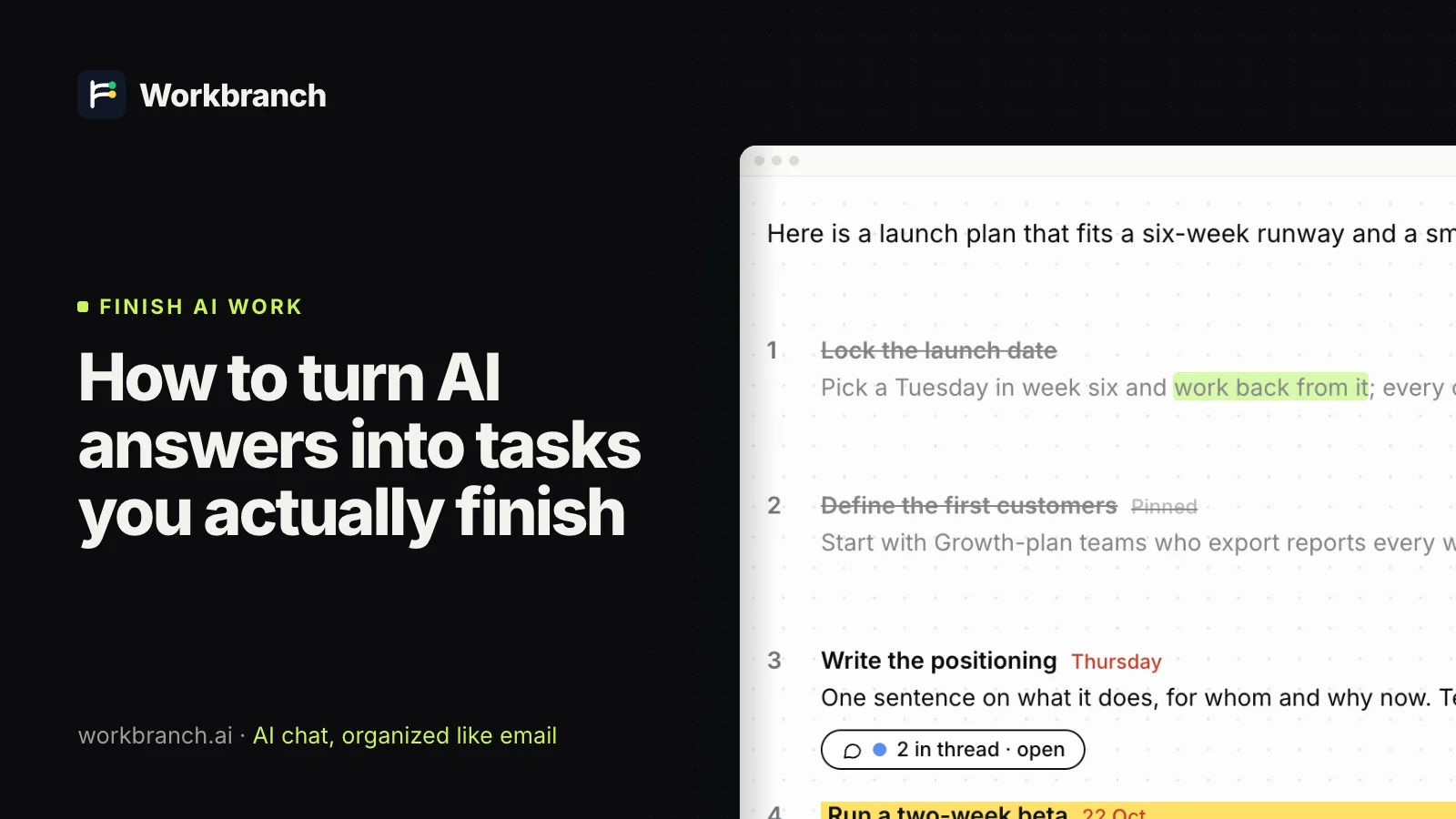
How to turn AI answers into tasks you actually finish
Turn AI answers into tasks: get numbered steps from ChatGPT, Claude or Gemini, give each a date and track it to done. A method that works in any AI app.