Workbranch › Blog › Finish AI work
Finish AI workHow to turn AI answers into tasks you actually finish
You ask an AI for a plan, get eight sensible steps, and agree with all of them. A week later you can't remember which chat they were in, let alone which steps you did. Here's how to turn AI answers into tasks that get done, in ChatGPT, Claude, Gemini or any other AI tool.
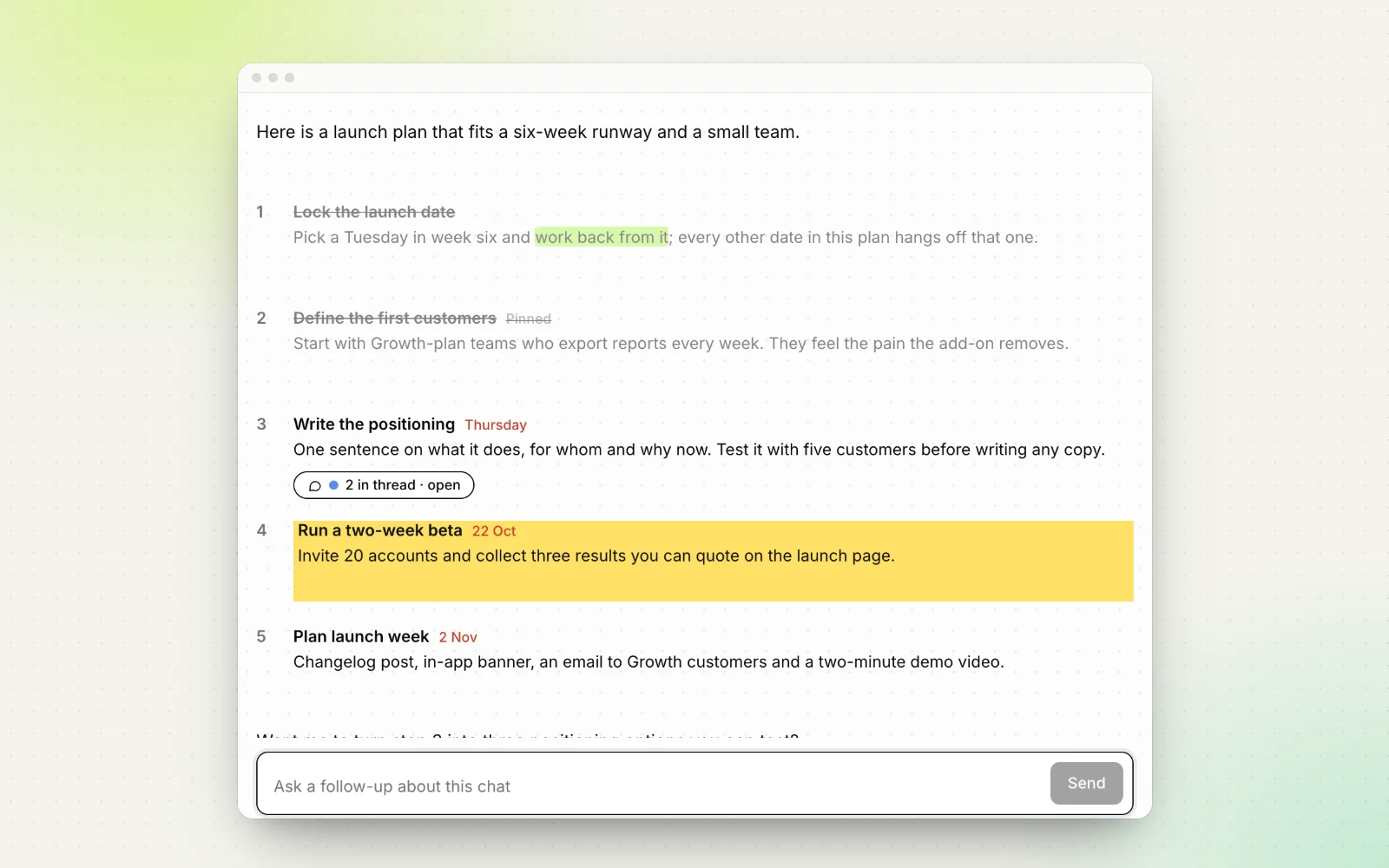
AI is very good at producing plans. Ask for a launch plan, a code review or ways to cut costs, and you get five to ten clear steps in seconds. Then the conversation moves on, the list scrolls away, and most of those steps never happen.
This guide shows a simple method to turn AI answers into tasks you finish. It works with any AI tool. At the end, we show how Workbranch does the same thing without the copying and pasting.
Short answer: Ask the AI for a numbered list of actions, each starting with a verb and ending with how you'll know it's done. Then decide who owns each step and when it's due, keep the list somewhere you can tick items off, and ask follow-up questions about one step at a time so the list stays intact.
Why do AI answers die in the scroll?
An AI answer is a message, not a task list. Chat apps are built around the conversation, so everything about them pushes the answer out of view:
- Every new message buries the last one. Ask two follow-ups and the original plan is several screens up.
- Nothing marks a step as done. The answer looks the same whether you finished every step or none of them, so you reread it to remember where you were.
- There's no date. The chat doesn't know the proposal is due Thursday, so nothing reminds you.
- The chat itself gets lost. A week later the plan is one of dozens of chats with vague titles. If that has already happened, here's how to find an old ChatGPT conversation.
- Advice isn't phrased as action. "Consider improving your onboarding" is a fair observation, but you can't tick it off.
None of this means the AI did a bad job. The answer was simply never converted into work. The four steps below do that conversion, and they take a few minutes per plan.
Step 1: Ask for numbered, actionable steps
The easiest fix happens before the answer is written. Tell the AI what shape you want. Language models follow format instructions well, so a few extra lines in your prompt turn an essay into a checklist:
"[Your question]. Answer as a numbered list of no more than 7 actions. Start each with a verb, keep each to one or two sentences, and end each with 'Done when: …'."
Each part of that prompt does a job:
- Numbered gives every step an address, so you can say "step 4" later.
- A cap on the count forces the AI to prioritize instead of listing everything it can think of.
- Verb first turns observations into actions: "Rewrite the pricing page headline" instead of "The headline could be clearer".
- "Done when" makes each step checkable. "Improve onboarding" never ends. "Done when new users reach their first project in under two minutes" does.
Already have a long, essay-style answer? Don't start over. Reply with: "Rewrite your answer above as a numbered task list using the same rules." For more ready-made prompts, see 10 prompt patterns that turn AI answers into checklists.
Step 2: Decide an owner and a date for each step
A task without an owner and a date is a wish. Go through the list once, right after you get it, and run every step through these questions in order:
- Can I do it in under two minutes? Do it now, before you leave the chat, and tick it off.
- Can the AI do it? Many steps are drafting work, like "Write the announcement email" or "Outline the FAQ". Ask the AI for that one step right away.
- Is it someone else's? Send it to them now with the context they need, and note who has it.
- Is it mine? Give it a specific date. "Thursday" beats "this week", and "this week" beats nothing.
- Do I disagree with it? Delete it, so it stops nagging you.
Be realistic about dates. AI plans often read as if you had nothing else to do. If six steps land on the same Friday, spread them out or cut some. A short list you finish beats a long one you abandon.
Step 3: Track what's done, close to the answer
Next, the list needs a home where you can tick things off. There are three common options:
| Where you track it | Works well when | The catch |
|---|---|---|
| Your to-do app | The steps are simple and you already live in a task manager | The context stays behind in the chat, so add a link back to it |
| A doc or note with checkboxes | You want to edit the plan and add notes as you go | You copy and paste again every time the AI updates the plan |
| Inside the AI tool | The steps need more AI help along the way | Most chat apps have no way to mark one step as done |
If you move a plan into a task manager, first ask the AI: "Rewrite this as one task per line, verb first, under 10 words each, with no extra text." Short lines paste cleanly and still make sense out of context.
Some AI apps can also nudge you later. As of October 2026, ChatGPT has scheduled tasks and Gemini has scheduled actions, which run a prompt at a set time. Gemini can also add tasks and reminders to Google Tasks from a conversation once Google Workspace is connected. These help with reminders, but they don't track which steps of an earlier answer you've completed.
Wherever the list lives, keep one rule: a step is done when it's ticked, not when you remember doing it. Visible progress, like "3 of 5 done", is what lets you pick a plan back up after a week away.
Step 4: Follow up on one step without derailing the chat
Real plans need follow-ups. Step 3 needs an example, step 5 needs a template, and you disagree with step 6. In a single chat those questions pile up below the list, and each answer builds on the last message, so the conversation drifts away from the plan. Three habits keep it on track:
- Scope the question. Start with "Only about step 3:" and end with "Don't repeat the other steps." Without that last line, many models rewrite the whole list.
- Steer back on purpose. When a step is settled, say so: "That settles step 3. Now step 5." Then tick it off.
- Split big tangents out. If one step grows into its own project, move it to a new chat with just the context it needs, and note on the original list where it went.
The root problem is that a chat is a single line, while a plan has several parallel parts. We go deeper in why follow-up questions derail AI chats.
A worked example, start to finish
Say you're a product manager and you ask: "We're launching an analytics add-on in Q4. Give me a launch plan as 5 numbered actions, verb first, each with 'Done when'." You get something like:
- Set the launch date and work back from it.
- Agree on the pricing tier with finance.
- Write the positioning. Done when the one-line pitch is approved.
- Brief sales and support.
- Prepare the announcement email and changelog.
A few minutes of triage turns that into a plan you can run:
- Step 1 takes two minutes. You pick a date and tick it off.
- Step 2 belongs to finance. You message them now and tick it off when they confirm.
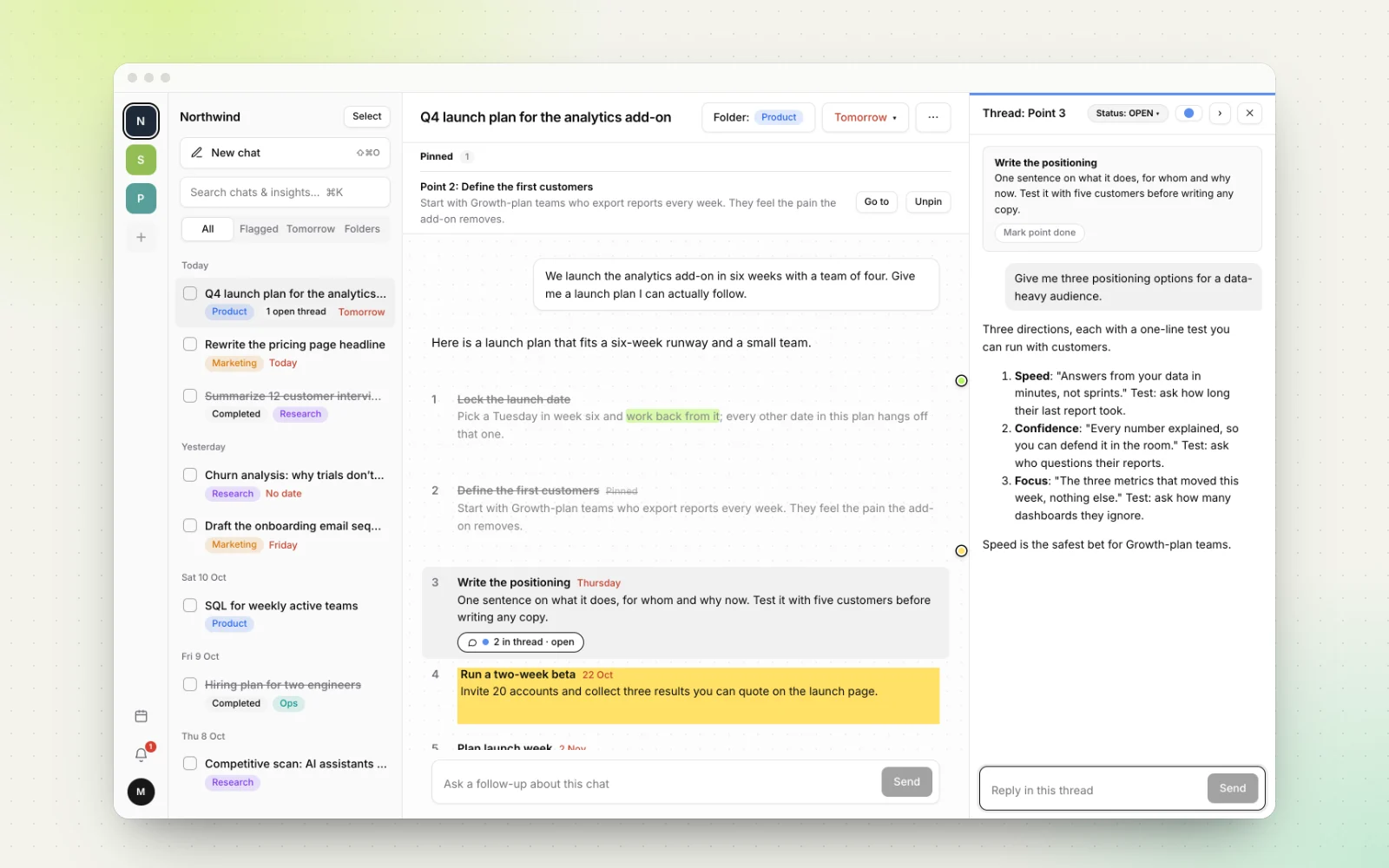
- Step 3 is yours, due Thursday. You ask a scoped follow-up: "Only about step 3: give me three positioning options for a data-heavy audience."
- Step 4 gets a date next week, after the positioning is settled.
- Step 5 is drafting work, so the AI writes a first version of the email right away.
Same answer as before, but now every step has a status, an owner and a date.
How Workbranch turns AI answers into tasks
Everything above works in any AI app. It just takes discipline, plus copying lists between tools. We built Workbranch so the answer itself is the task list. It's an AI chat workspace organized like email, where answers can be filed, flagged, branched and finished. (We explain the idea in organizing AI chats like email.)
Every answer is a checklist
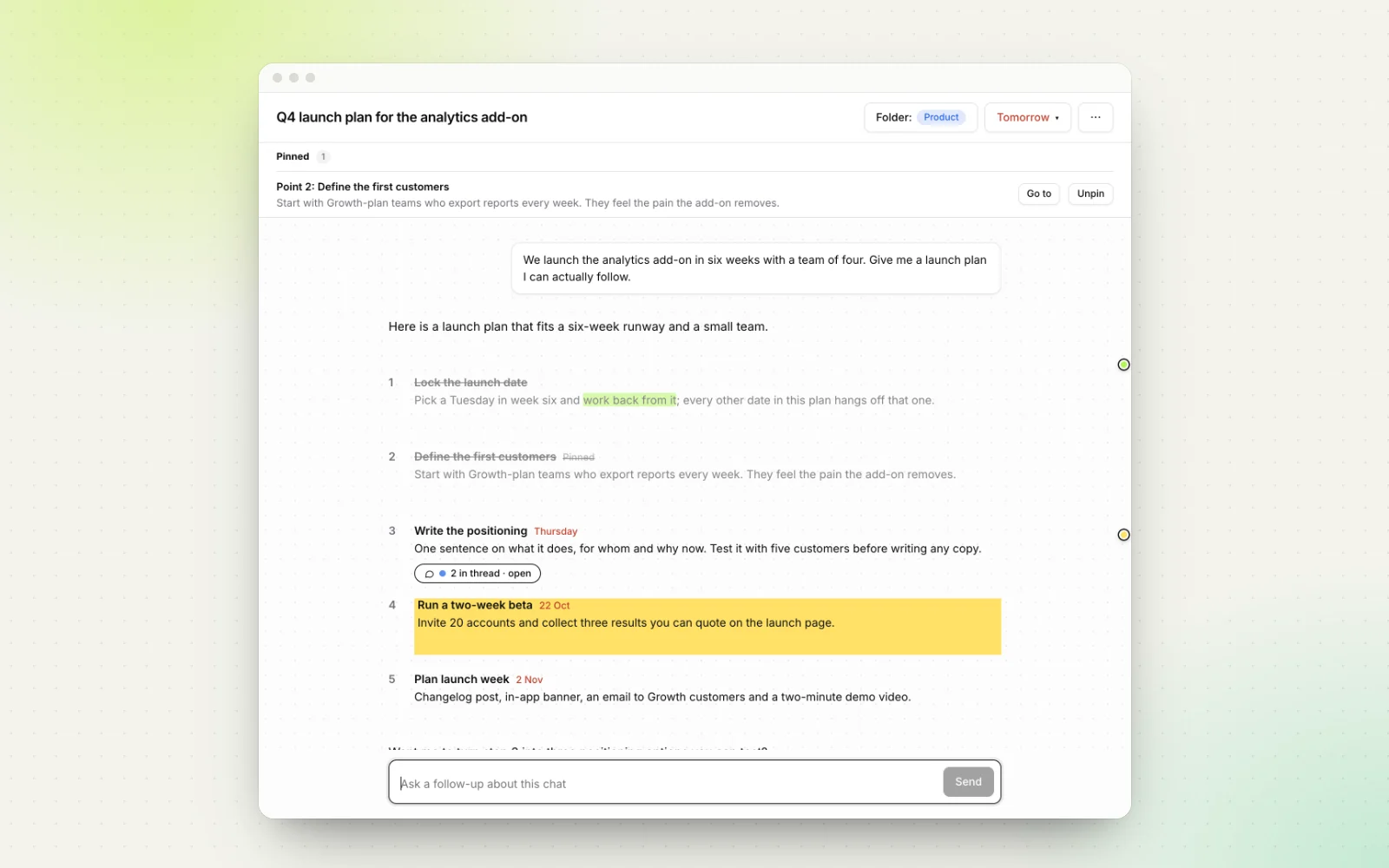
Workbranch splits each AI answer into numbered points, and every point can be ticked off. Finished points are struck through, and the chat shows your progress, such as "2/5 points done", with a progress bar. You can see what's left without rereading anything.
Due dates on points, not just chats
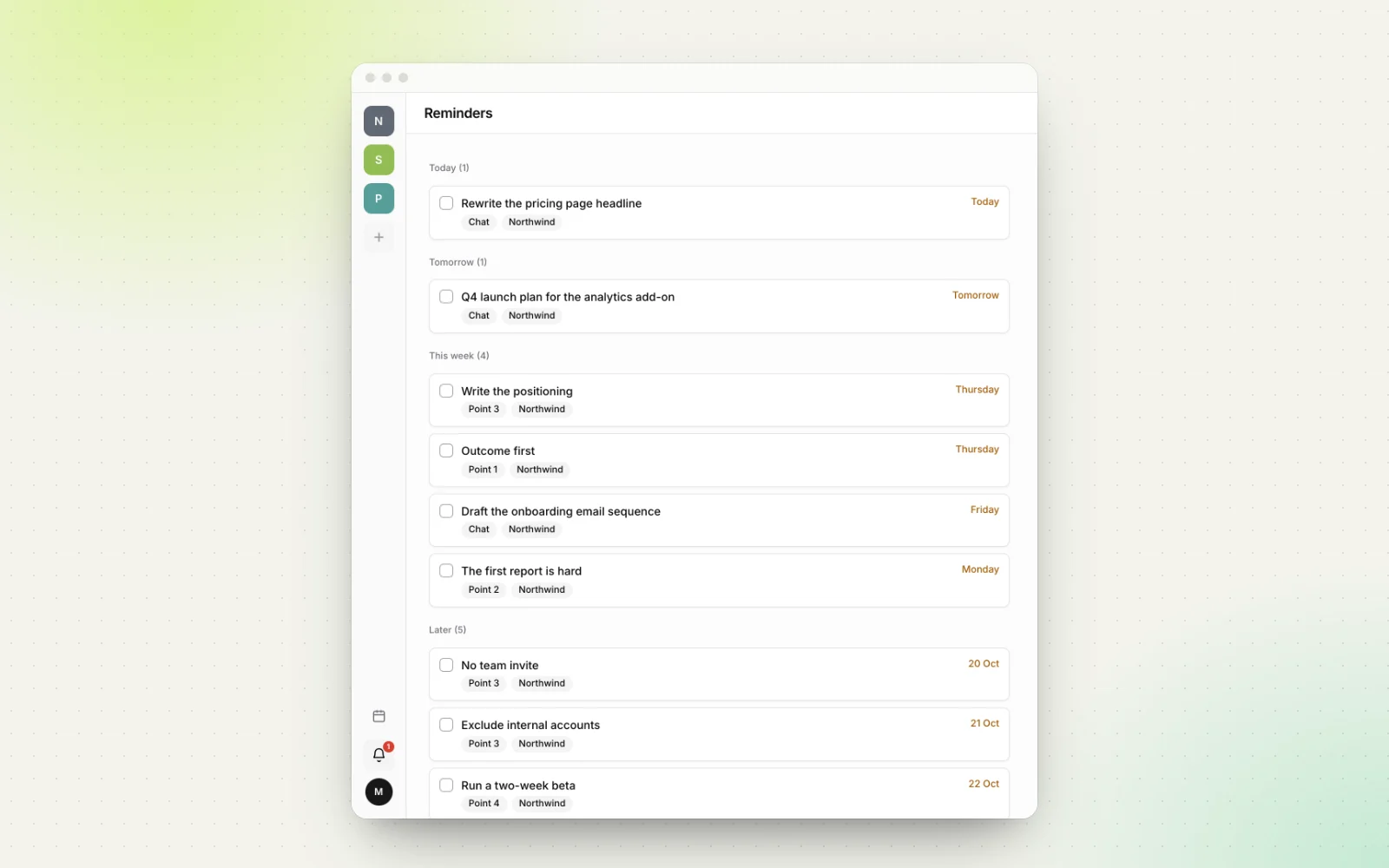
Flag a whole chat for today, tomorrow, this week, next week or a specific date, or give a single point its own due date, like "Write the positioning" on Thursday. Due chats and points show up on a monthly calendar and on the Reminders page, grouped into Today, Tomorrow, This week and Later, with overdue work rising to the top.
A thread for every point
To follow up on one step, open a side thread on that point. The thread opens next to the chat, so the original list stays visible and untouched. Each thread has a status (open, waiting or resolved), and each point shows how many messages its thread has, so you can tell at a glance which steps still have open questions.
A few more features close the loop. Highlight key lines in five colors, pin the most important point to the top of the chat, and mark the chat complete when every point is done. If your plan started somewhere else, import the ChatGPT, Claude or Gemini conversation from its share link and keep working on it in Workbranch.
Workbranch runs on Google Gemini and costs $29.90 per month with everything included. If your best AI answers keep turning into forgotten plans, try Workbranch on your next one.
Frequently asked questions
Can ChatGPT make a to-do list for me?
Yes. Ask for a numbered list of actions, each starting with a verb and ending with how you'll know it's done, an instruction ChatGPT, Claude and Gemini all follow well. The hard part is keeping track of the list after the conversation moves on.
Can ChatGPT remind me to do my tasks?
As of October 2026, ChatGPT has scheduled tasks that run a prompt at a set time and notify you, and Gemini has scheduled actions and can add tasks to Google Tasks. They are useful nudges, but they don't track which steps of an earlier answer you've completed.
How do I move an AI answer into my to-do app?
Ask the AI to rewrite the plan as one task per line, verb first, under 10 words each, with no extra text. Paste the lines into your task manager and add a link back to the chat so the context is one click away.
How do I ask follow-up questions without losing the AI's list?
Scope each follow-up to one step, for example "Only about step 3: ... Don't repeat the other steps," and steer back to the list when it's settled. Better still, ask the follow-up in a separate thread attached to that step so the original list stays intact.
How do I track progress on an AI-generated plan?
Keep the list close to the chat it came from, tick off each step as you finish it, and give the open steps dates. In Workbranch every point of an answer has a checkbox, and the chat shows progress such as "2/5 points done".
Keep reading
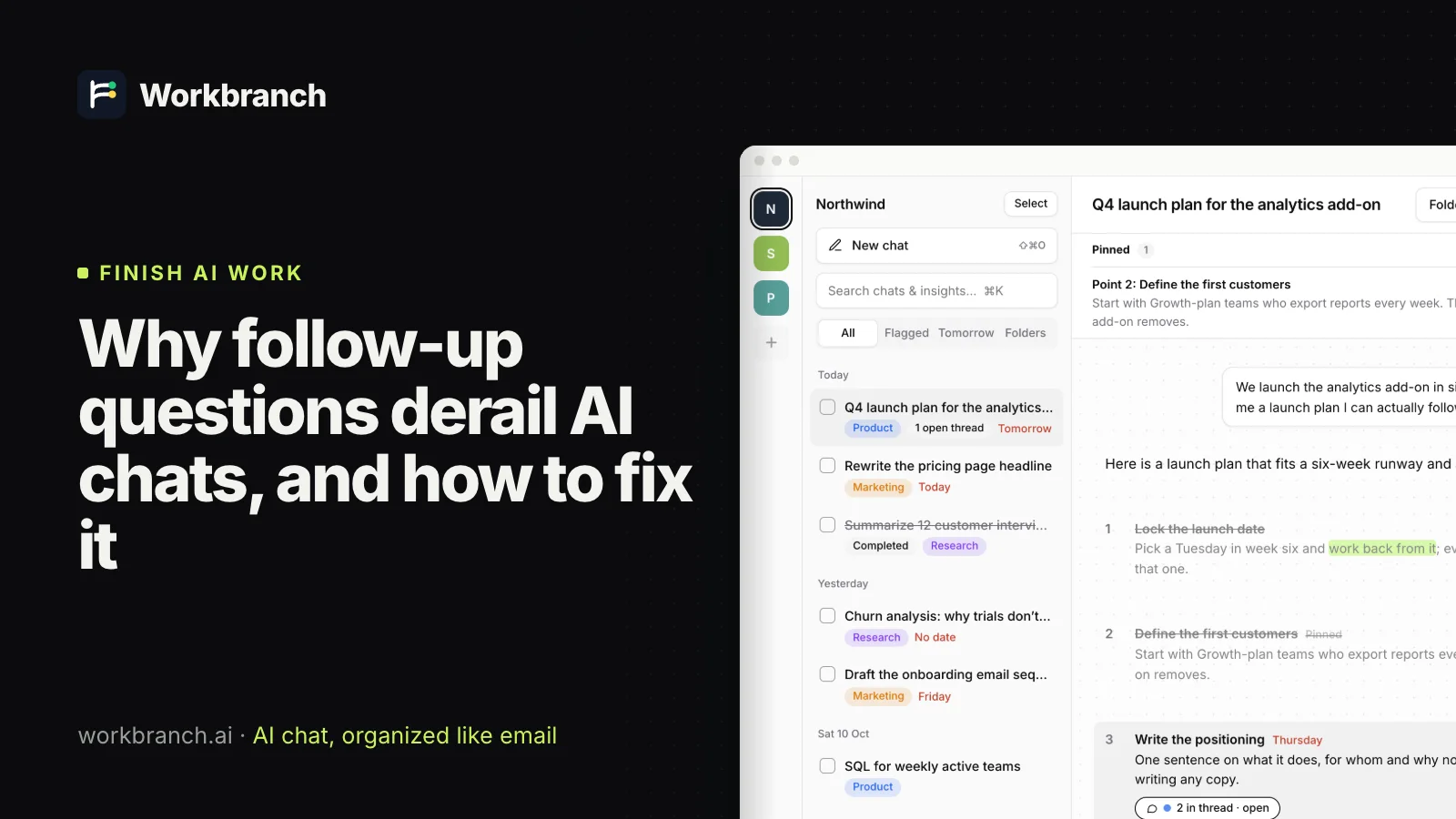
Why follow-up questions derail AI chats, and how to fix it
Follow-up questions bury the rest of an AI answer and pull the chat off course. Why it happens, and four ways to keep long AI chats focused.
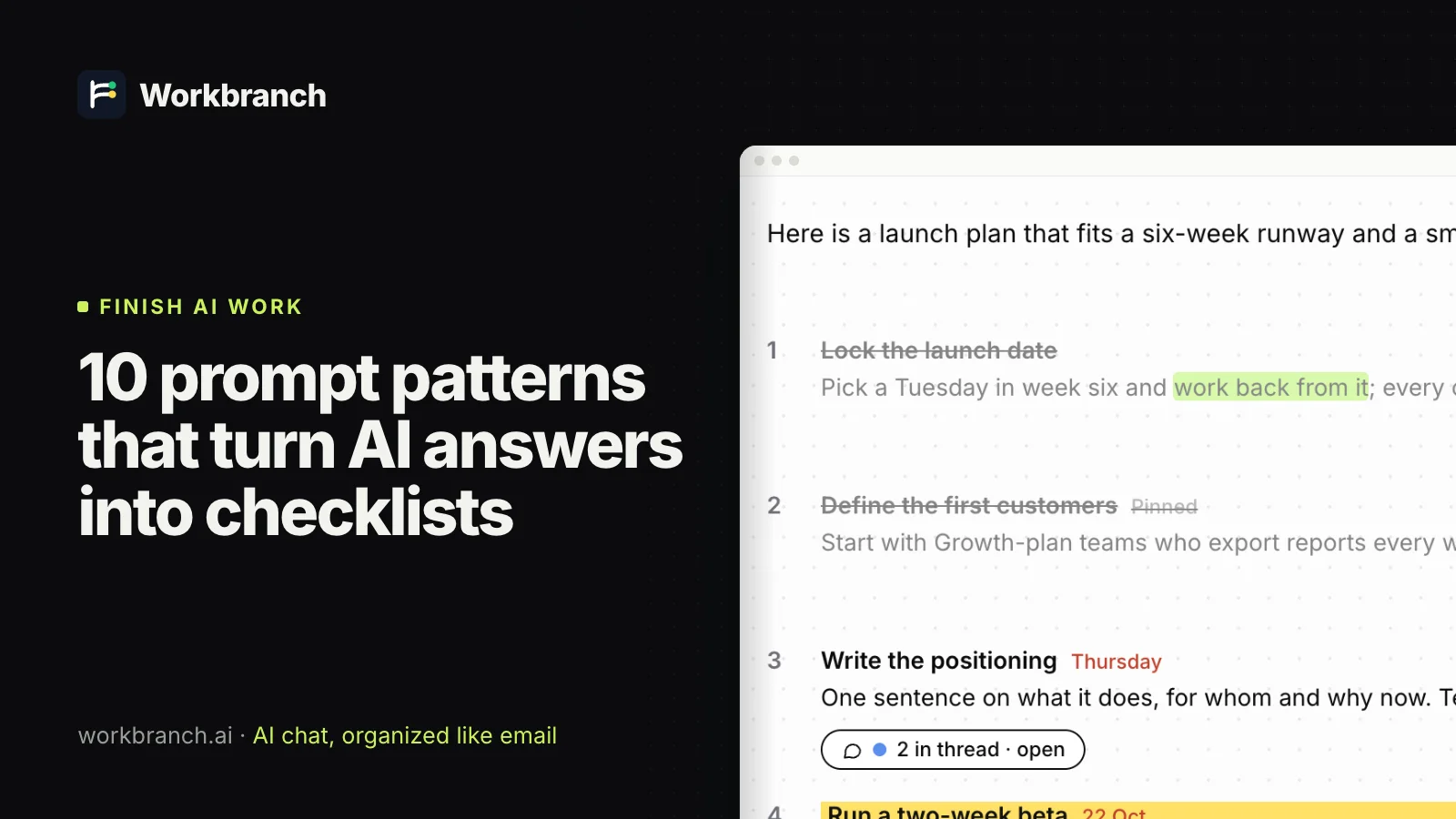
10 prompt patterns that turn AI answers into checklists
Copy-and-paste prompt patterns that make ChatGPT, Claude or Gemini answer with clear, numbered, actionable steps you can track, instead of long essays.
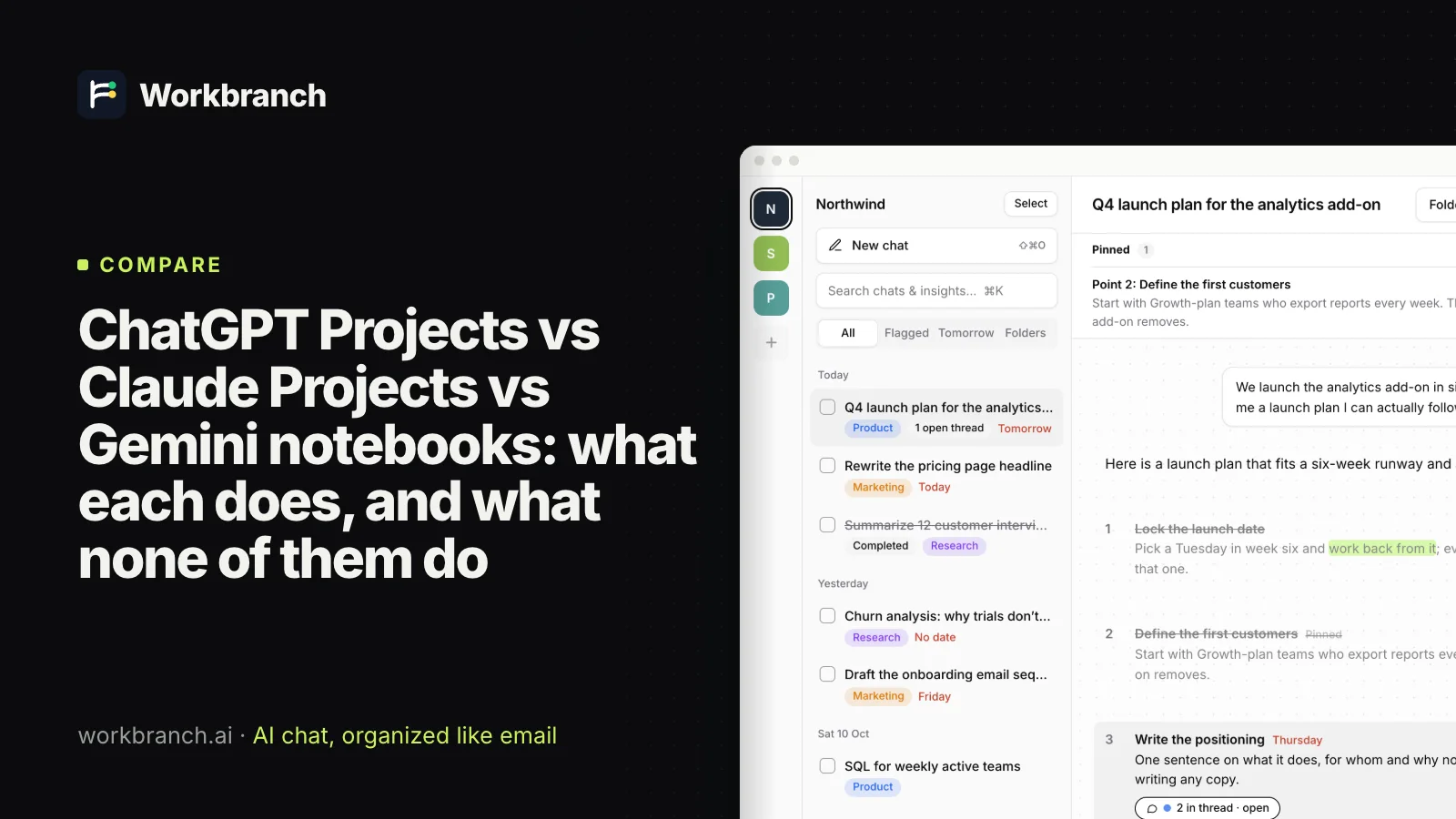
ChatGPT Projects vs Claude Projects vs Gemini notebooks: what each does, and what none of them do
ChatGPT Projects vs Claude Projects vs Gemini notebooks as of October 2026: files, memory, sharing and limits, plus the gap that all three leave open.